
What it is
What is Turbo?
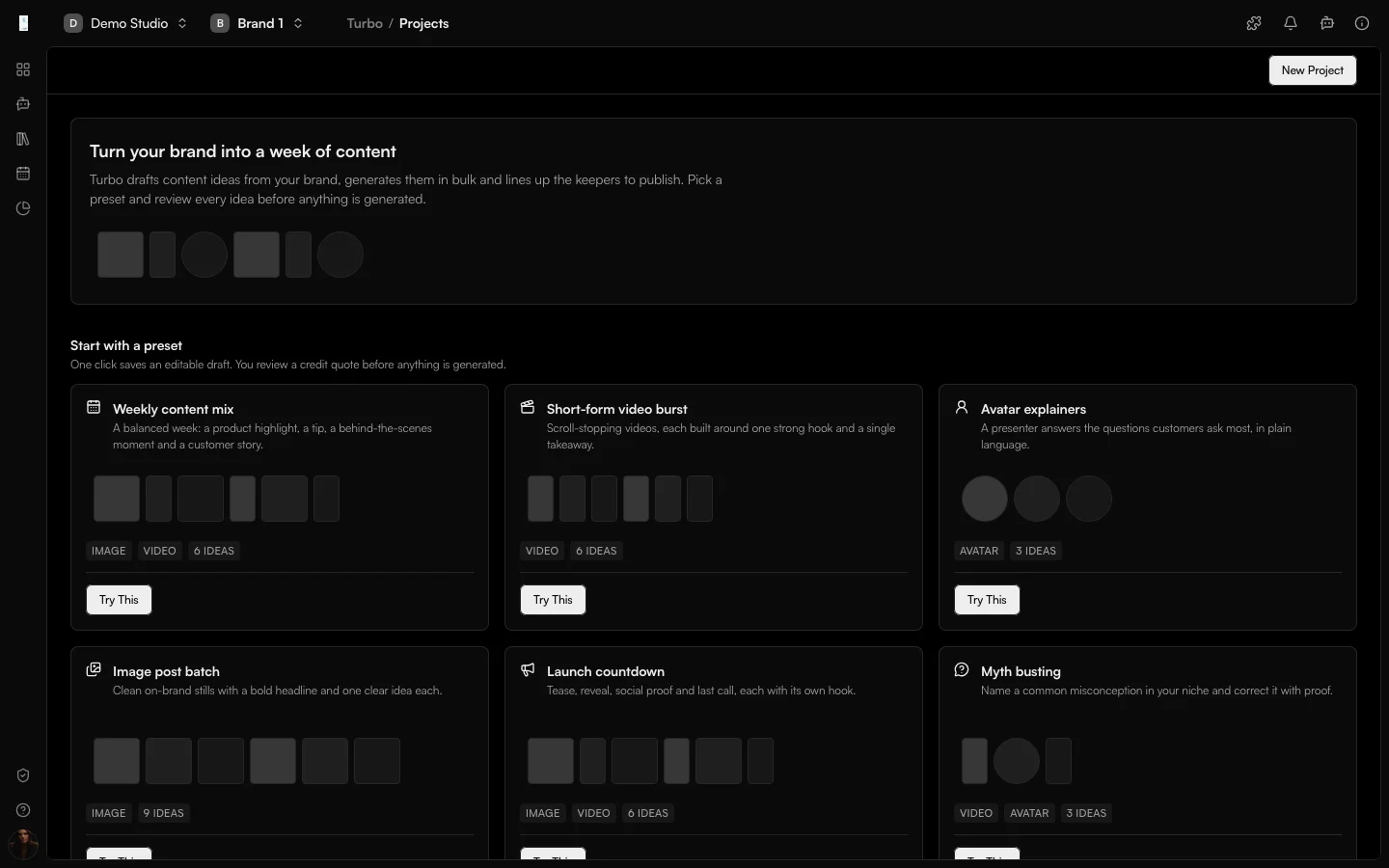
Turbo is the Genfeed app for creating content in bulk. It drafts content ideas from your brand, generates them in one batch, and lines up the ones you keep to publish.
- Run many generations from one brief
- Review the batch and keep what works
- Send the winners to your Library
How it works
From idea to result
- 01
Brief
Pick a preset or describe a topic. Turbo uses your brand. - 02
Review
Review the drafted ideas and remove what does not fit. - 03
Generate
Confirm the credit quote and generate the batch. - 04
Schedule
Keep the winners and schedule them.
Use cases
What teams use Turbo for
Filling a content calendar
A balanced week: a product highlight, a tip, a behind-the-scenes moment and a customer story.Batch processing
Apply one workflow to every image or video you add, then review and schedule the results.Idea projects
Describe a topic, generate ideas, then turn them into content.Outputs
What Turbo produces
Generated batch
A batch of on-brand images and videos in one run.Captions
Captions drafted for each piece.Scheduled posts
The keepers scheduled to the accounts and times you choose.Access and pricing
Add from Plugins. Generation spends credits, and the open source Community build is free to self-host.Start free, pay for output
Default
Free + PAYG
Pay As You Go
Agencies★ Popular
$499/mo
Scale
Studios
Custom
Enterprise
FAQ
Turbo: common questions
Does Turbo post on its own?
No. You review every idea before anything is generated, and nothing posts unless you schedule it.
How am I charged for a batch?
You see a credit quote for the whole batch first. Only usable output is charged.
Can I run my own workflow over a batch?
Yes. You can run one of your saved workflows on every image or video you add. That path needs Automation and a paid plan; idea projects only need credits.
How do I turn Turbo on?
Turbo is added from Plugins in your organization settings.
Keep going