
Genfeed Automation
Run workflows and recurring tasks
OperateAdd from Plugins, paid plan to start new work
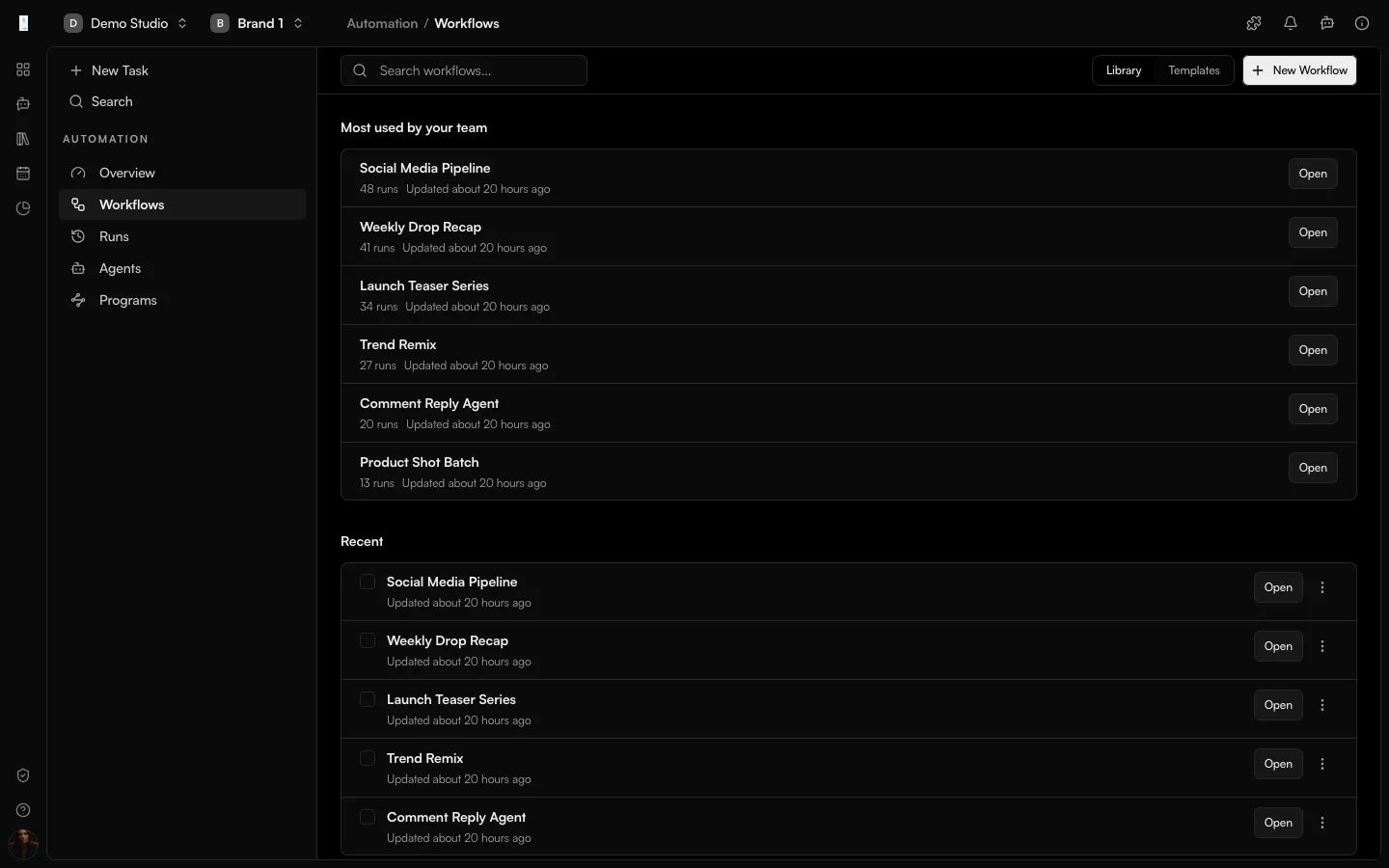
What it is
What is Automation?
Automation is the Genfeed app for workflows and recurring tasks. You build or install workflows that generate, schedule and publish content on their own, so recurring work happens without you starting it.
- Browse and install ready-made workflows
- Run on a schedule
- Combine generation and publishing steps
How it works
From idea to result
- 01
Author
Install a workflow or build one on the canvas. - 02
Wire
Connect inputs, AI steps, processing and distribution. - 03
Trigger
Choose a manual start, a schedule or an event trigger. - 04
Operate
Inspect every run and its outputs.
Use cases
What teams use Automation for
Daily posting
Generate and schedule a daily post from a brief.Approval flows
Gate a post behind a review step before it publishes.Agent-triggered runs
Let an agent trigger a workflow you control.Outputs
What Automation produces
Recurring content
Content generated on a schedule or on an event.Published posts
Posts scheduled or published by a workflow.Run history
A run history you can inspect step by step.Access and pricing
Add from Plugins, paid plan to start new work. Generation spends credits, and the open source Community build is free to self-host.Start free, pay for output
Default
Free + PAYG
Pay As You Go
Agencies★ Popular
$499/mo
Scale
Studios
Custom
Enterprise
FAQ
Automation: common questions
Can I see what a workflow did?
Yes. A workflow is made of explicit steps, so you can see every trigger, handoff and output and why a run happened.
Do I have to build workflows myself?
Start from ready-made workflows from the library, or build your own on the canvas with input, AI, processing and distribution steps.
How do I turn Automation on?
Automation is added from Plugins and needs a paid plan to run workflows.
Keep going