
What it is
What is Motion?
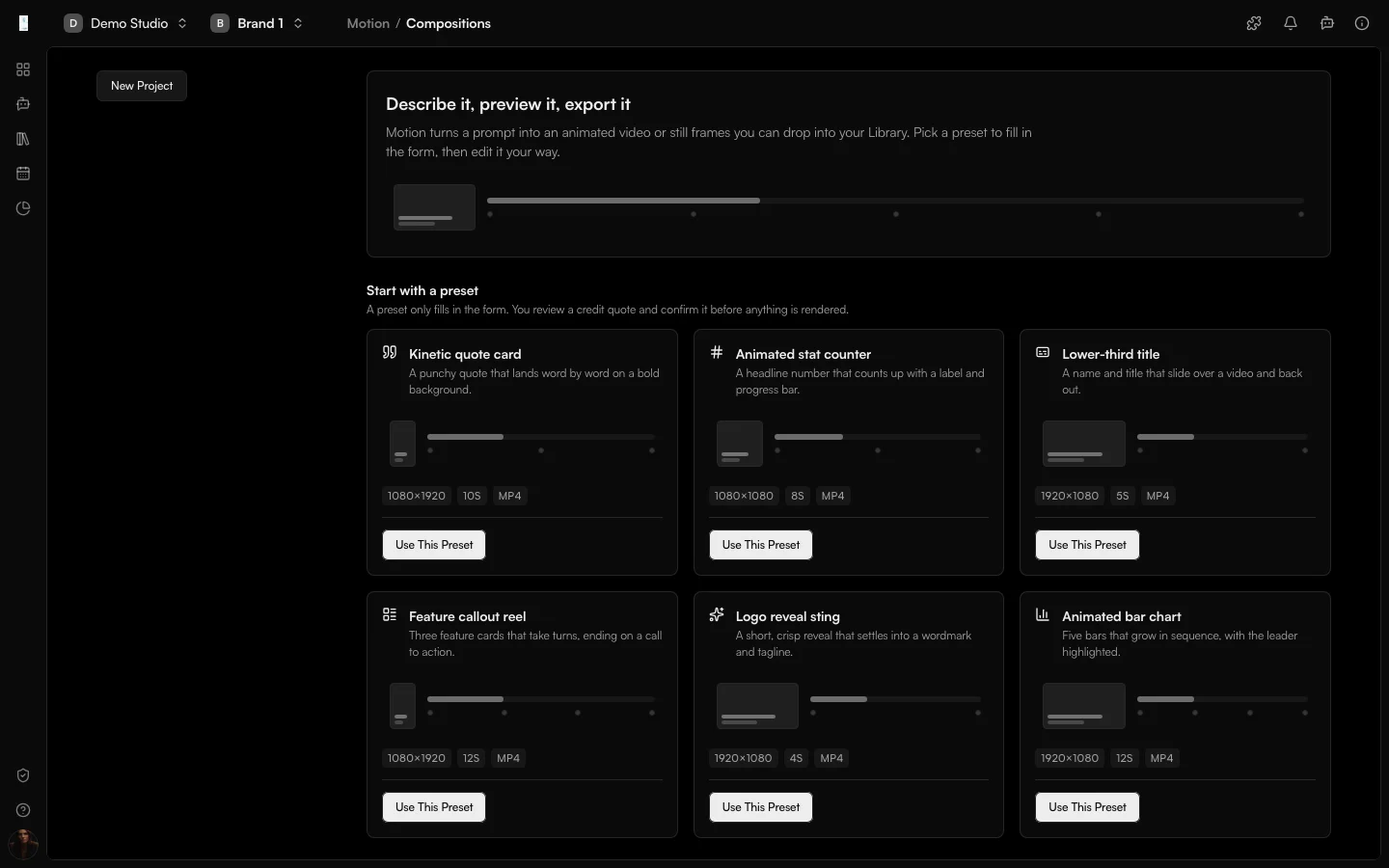
Motion is the Genfeed app for animated visuals. You describe an animated title, caption or branded graphic, preview it, and render it to video or still frames that land in your Library.
- Compose animated visuals
- Preview before you render
- Render to video
How it works
From idea to result
- 01
Describe
Write a prompt or start from a preset such as a quote, a counter or a logo reveal. - 02
Preview
Preview the animation before you render it. - 03
Approve
Review the credit quote and confirm. - 04
Render
Render to video or stills in your Library.
Use cases
What teams use Motion for
Quote cards
A punchy quote that lands word by word on a bold background.Stat reveals
A headline number that counts up with a label and a progress bar.Lower thirds
A name and title that slide over a video and back out.Outputs
What Motion produces
Video
A rendered animated video, up to 30 seconds.Stills
Still frames from the composition at the frames you choose.Access and pricing
Add from Plugins. Generation spends credits, and the open source Community build is free to self-host.Start free, pay for output
Default
Free + PAYG
Pay As You Go
Agencies★ Popular
$499/mo
Scale
Studios
Custom
Enterprise
FAQ
Motion: common questions
What are the limits of a Motion render?
Motion projects run up to 30 seconds at 1920×1080, at 24 or 30 frames per second, with up to eight outputs per request.
Does a preset start a render?
No. A preset only fills in the form. You review a credit quote and confirm it before anything is rendered.
Can I use my own assets?
Yes. Reference up to twelve recent Library assets in a project. Motion compositions are React and Remotion source you can edit directly.
How do I turn Motion on?
Motion is added from Plugins in your organization settings. Rendering uses credits and unused credits from the quote are released.
Keep going