
What it is
What is Editor?
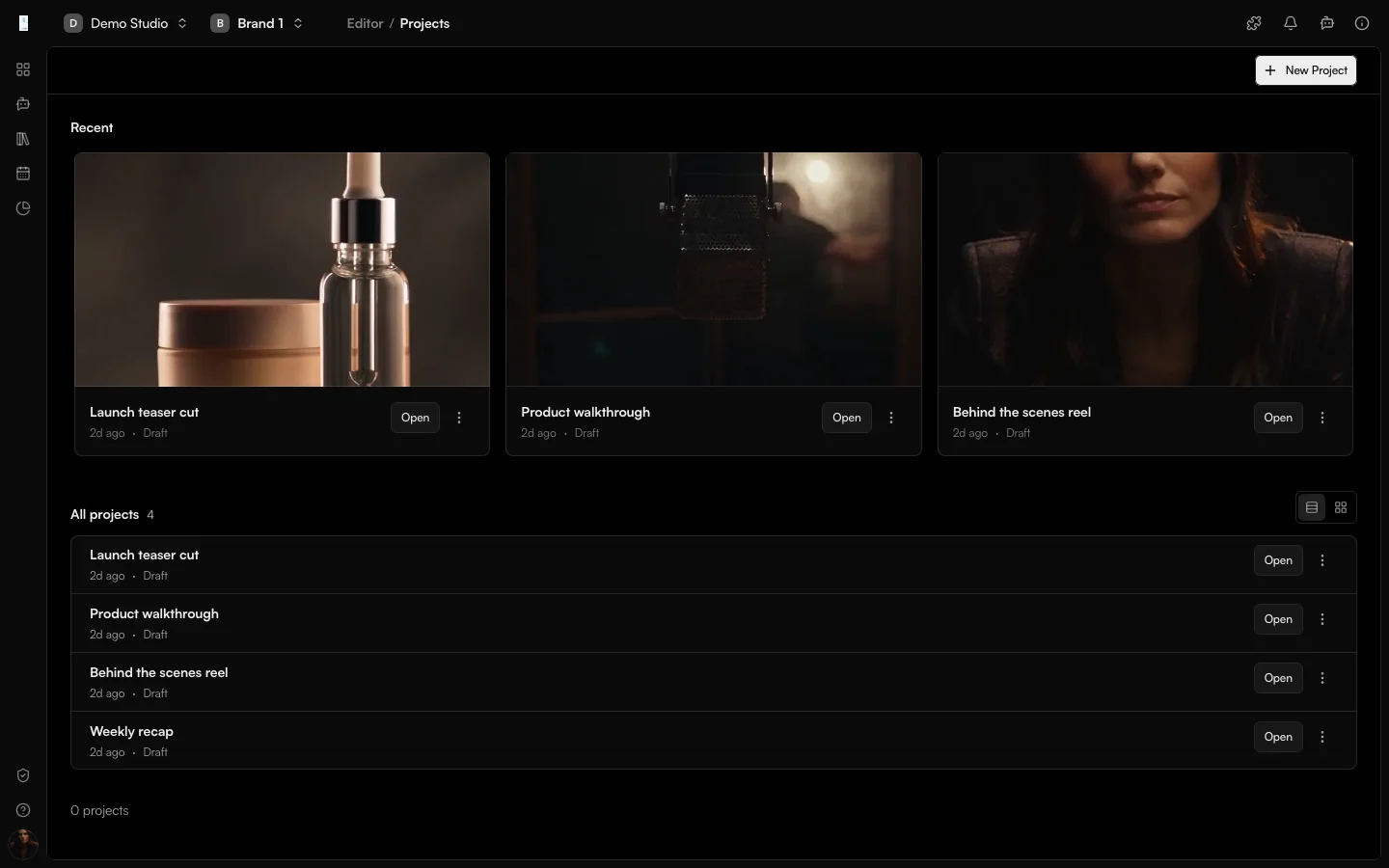
Editor is the Genfeed app for assembling and finishing video on a timeline. You combine clips, images and audio, trim and arrange them, apply effects, and export the finished video.
- Arrange clips on a timeline
- Trim and layer audio
- Export the finished video
How it works
From idea to result
- 01
Import
Start a project and import clips, images and audio. - 02
Arrange
Arrange and trim everything on the timeline. - 03
Finish
Layer audio and apply effects. - 04
Export
Export the finished video.
Use cases
What teams use Editor for
Assembling a storyboard
Stitch generated scenes from Storyboard into one finished video.Adding audio
Add a voiceover and music bed to generated footage.Polishing clips
Trim and re-order Clipper output into a tighter cut.Outputs
What Editor produces
Exported video
A finished video exported from the timeline.Saved projects
Editable projects you can reopen and change.Access and pricing
Add from Plugins. Generation spends credits, and the open source Community build is free to self-host.Start free, pay for output
Default
Free + PAYG
Pay As You Go
Agencies★ Popular
$499/mo
Scale
Studios
Custom
Enterprise
FAQ
Editor: common questions
Can I edit videos I generated in Genfeed?
Generated videos from your Library can be imported directly, so a Storyboard or Playground result can be finished here.
Can I add music and voice?
Yes. Add audio tracks to the timeline, trim them and layer them with your clips.
How do I turn Editor on?
Editor is added from Plugins in your organization settings.
Keep going