
Genfeed Messages
Read and reply to your audience in one inbox
Publish & growAdd from Plugins, paid plan to start new work
What it is
What is Messages?
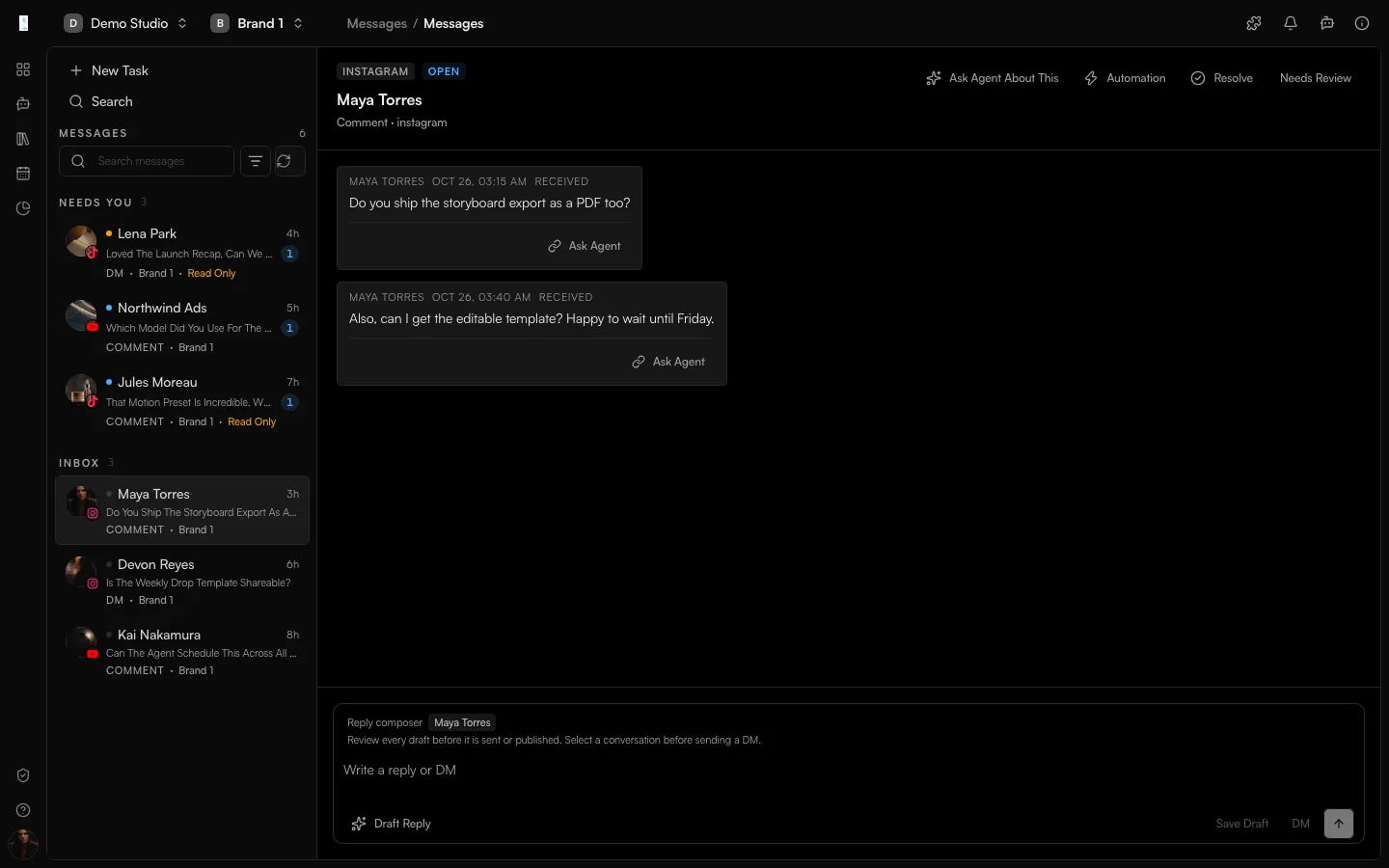
Messages is the Genfeed app for your audience inbox. It brings comments and messages from connected channels into one place so you can read and reply without leaving Genfeed.
- One inbox across your channels
- Reply in place
- Keep up with your audience
How it works
From idea to result
- 01
Connect
Connect your channels. - 02
Read
Comments and messages arrive in one inbox. - 03
Reply
Reply without leaving Genfeed.
Use cases
What teams use Messages for
Launch replies
Answer comments on a launch post the same day.Multi-brand inboxes
Handle several brands’ inboxes without switching apps.Outputs
What Messages produces
Replies
Replies sent to your audience from one place.Unified inbox
A single, brand-scoped inbox with an unread count.Access and pricing
Add from Plugins, paid plan to start new work. Generation spends credits, and the open source Community build is free to self-host.Start free, pay for output
Default
Free + PAYG
Pay As You Go
Agencies★ Popular
$499/mo
Scale
Studios
Custom
Enterprise
FAQ
Messages: common questions
What shows up in Messages?
Comments and messages from the channels you have connected, shown together.
Can I reply from Genfeed?
Yes. Reply from Genfeed; an unread badge on the app shows what needs attention.
How do I turn Messages on?
Messages is added from Plugins and needs a paid plan to start new work.
Keep going