
Genfeed Analytics
See what works, then make more of it
Publish & growIncluded in every workspace
What it is
What is Analytics?
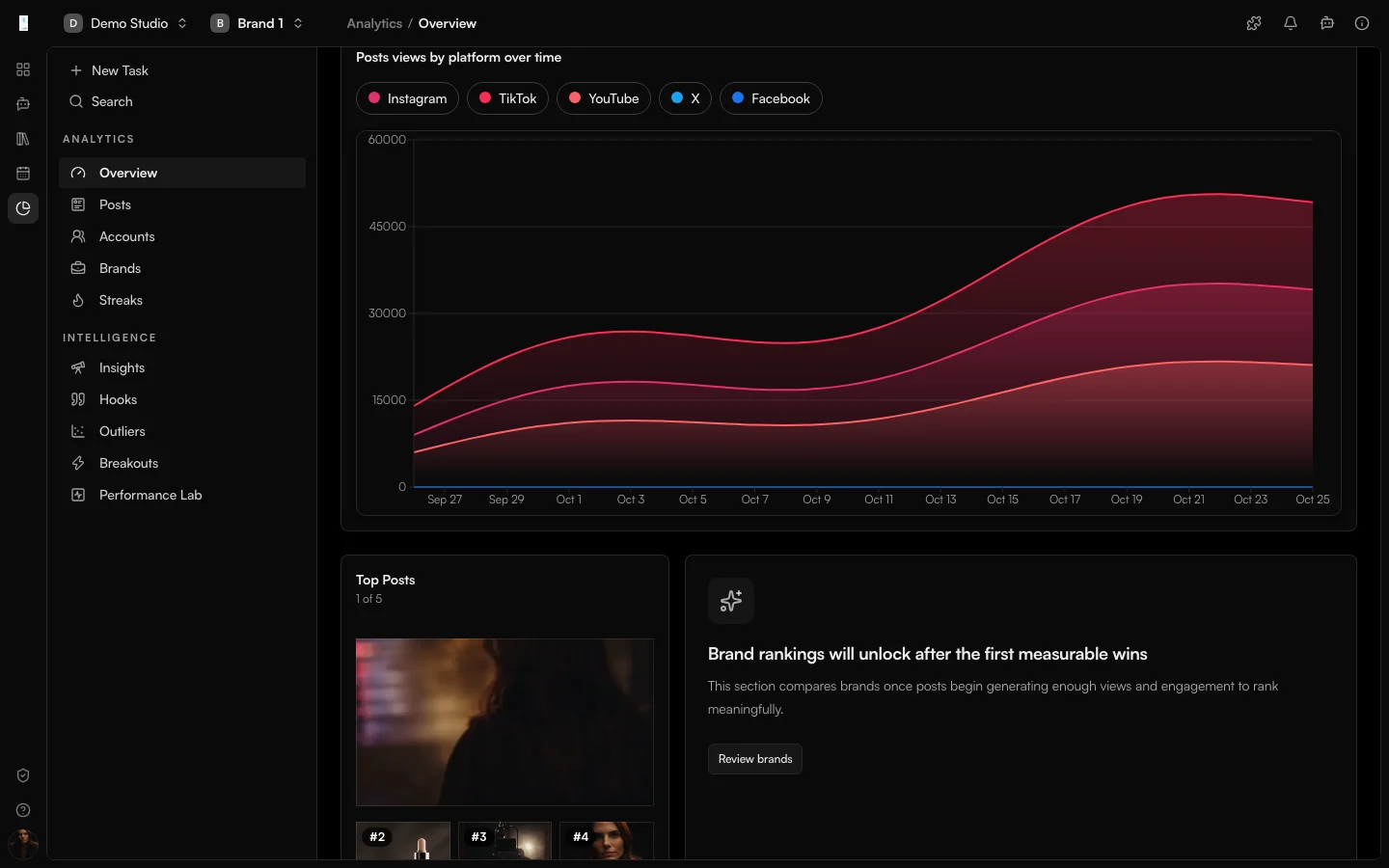
Analytics is the Genfeed app for measuring published content. It shows available views and engagement for each post and brand, so you can plan the next brief from what worked.
- Compare performance across posts
- Review hooks and trends
- Roll up results per brand
How it works
From idea to result
- 01
Publish
Publish to your connected channels. - 02
Measure
Review available views and engagement per post. - 03
Learn
Find the formats that earn views and engagement. - 04
Double down
Repeat what works and cut what does not.
Use cases
What teams use Analytics for
Post performance
Compare available views and engagement across your published posts.Testing variations
Compare published variations and use them to guide your next brief.Staying consistent
Track consistency across every brand and channel.Outputs
What Analytics produces
Post performance
Views and engagement per published post.Brand roll-ups
Roll-ups per brand and per channel.Hook and format insight
Which hooks and formats earn attention.Access and pricing
Included in every workspace. Generation spends credits, and the open source Community build is free to self-host.Start free, pay for output
Default
Free + PAYG
Pay As You Go
Agencies★ Popular
$499/mo
Scale
Studios
Custom
Enterprise
FAQ
Analytics: common questions
What does Analytics measure?
The views and engagement each platform makes available for your published posts, rolled up per post and per brand.
Why is a metric missing for a post?
Figures depend on what each connected platform reports, so some metrics are not available for every channel.
Can I compare brands?
Yes. Analytics rolls performance up per brand so you can compare a whole portfolio.
Keep going