
What Genfeed Does
Brief Genfeed from the agent you already use. Start from trends, create videos, images and posts, then publish and see what worked in the dashboard.

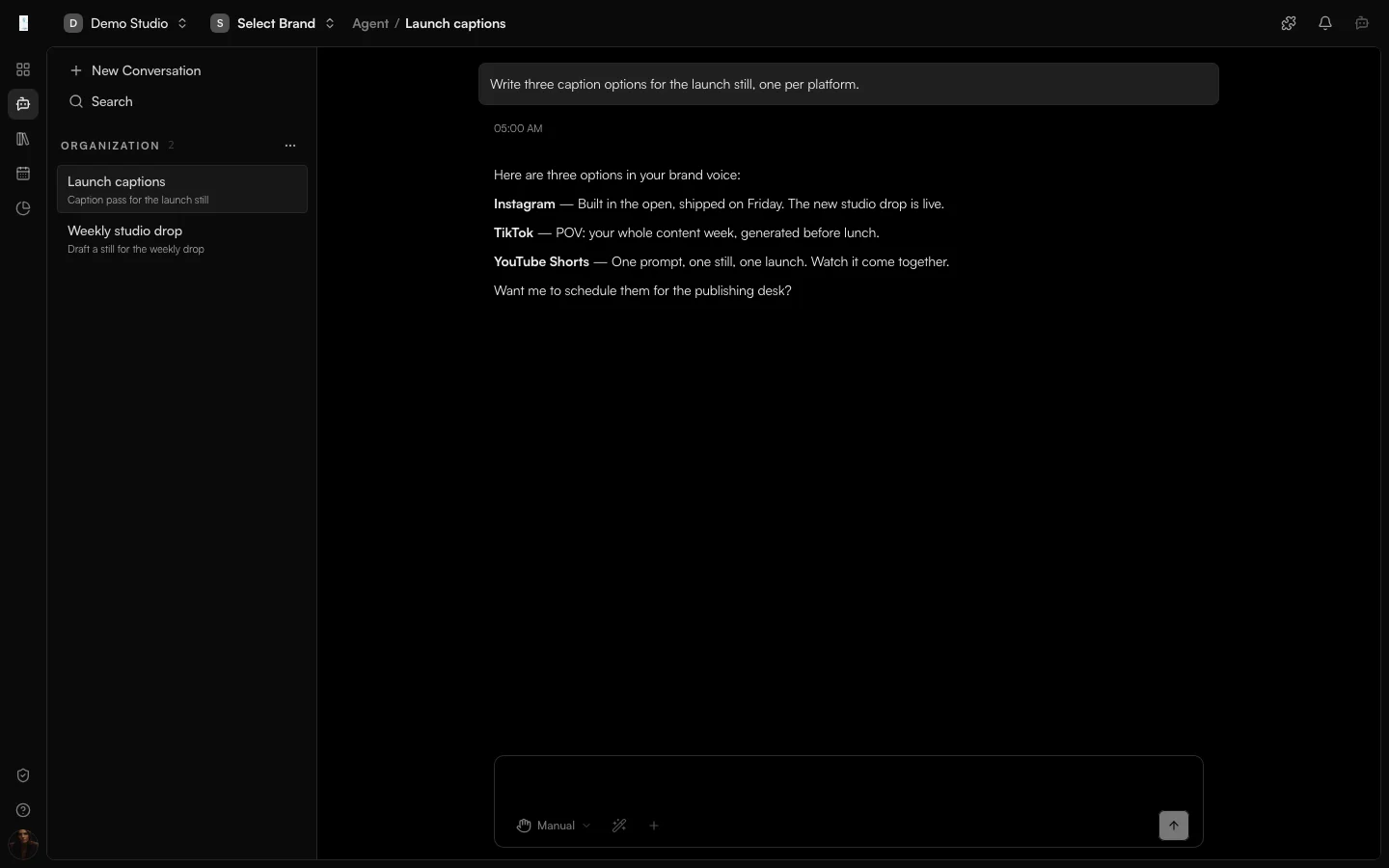
Work Where You Already Work
Connect Claude, ChatGPT, Codex, Cursor or any MCP client. Your agent drafts and schedules with your brand context, and results land in the dashboard.
Learn moreStart From What Is Working
See what is working in your market, as observed samples, so every brief starts from what people are responding to.
Learn moreReview And Publish In One Place
Videos, images and posts land in one library with your brand attached. Review them, then publish to your connected channels.
Learn moreSee What Worked
Post performance in one view, and your top posts come back as examples for the next brief.
Learn moreMade in Genfeed
The output is the proof.
Short-form video, images and campaign creative, made with Genfeed and ready to review.
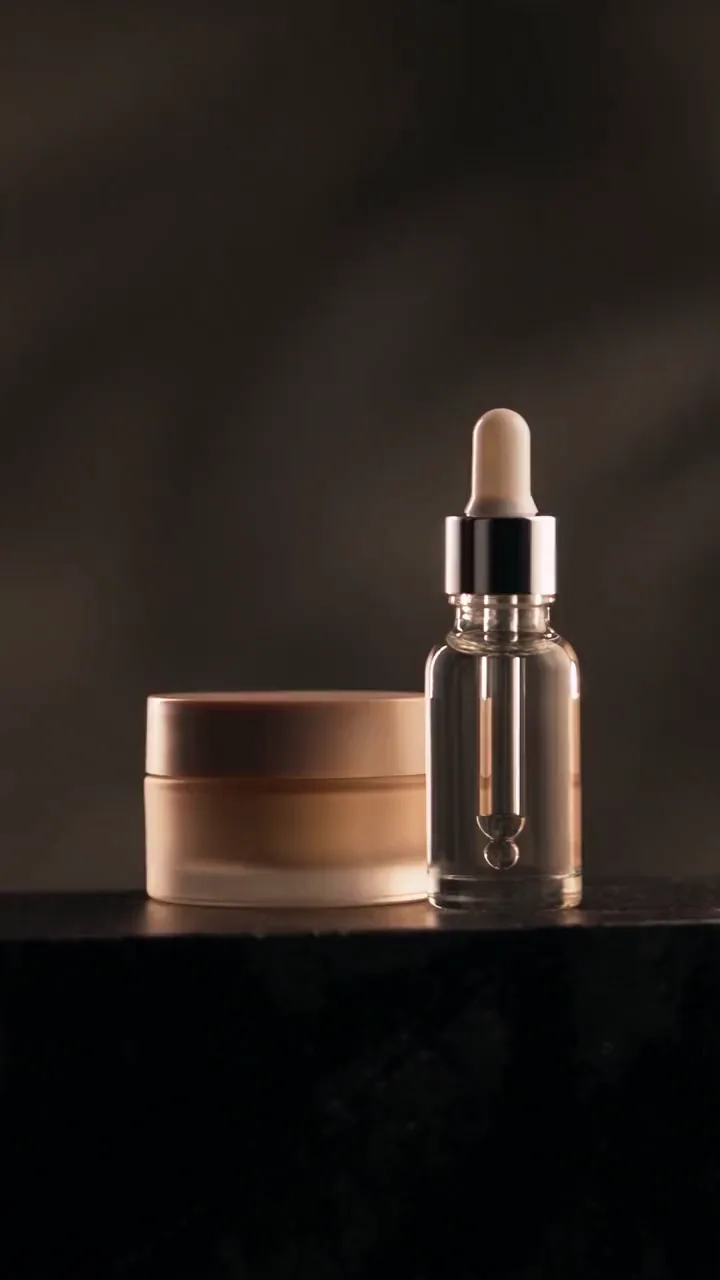
Images
Product and campaign shots

Short-form video
Reels, TikToks and Shorts
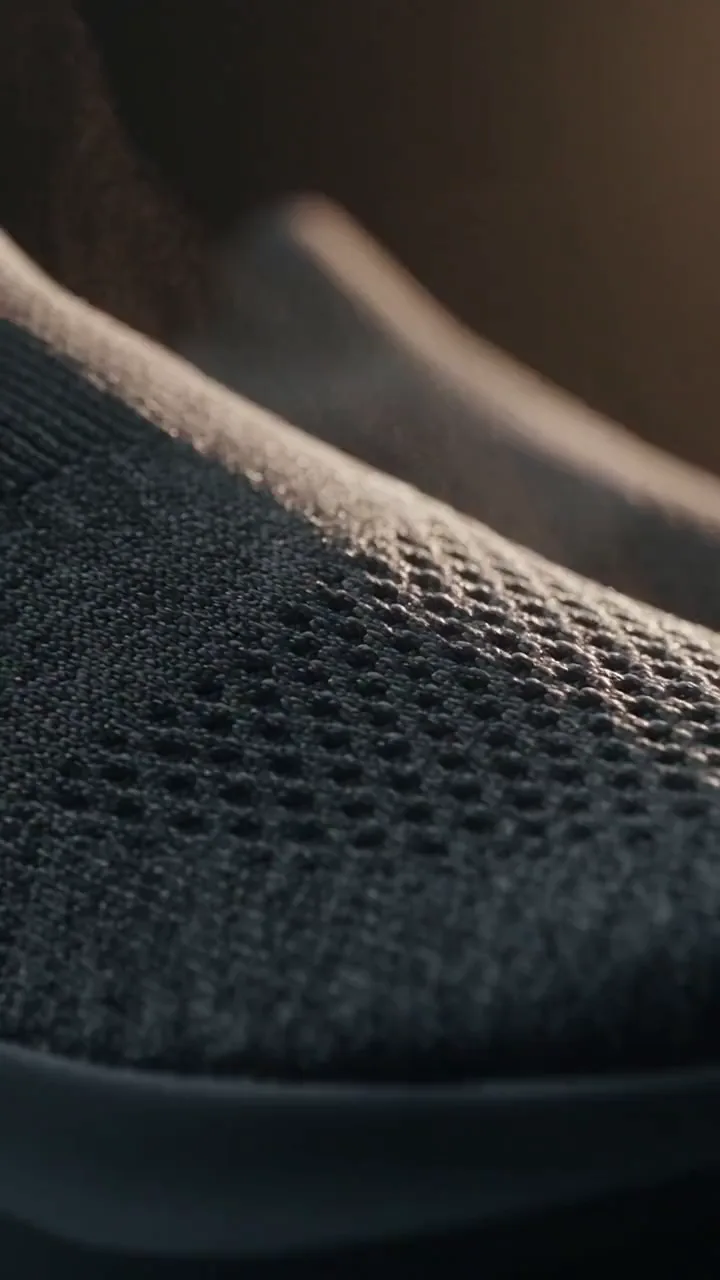
Ads
Creative in every ratio
Model availability is read from the live registry. The website does not maintain a model-name list in marketing copy.